Case study
Retrotick
A split flap clock app for iPadOS 26 and up, built in SwiftUI with Apple's Liquid Glass design language, the same language this site borrows. A custom animation engine drives the flaps through a flip-target queue.
Retrotick, on the App Store

A mechanical split flap clock, rebuilt for iPhone and iPad in SwiftUI with Apple's Liquid Glass design language.
What it is
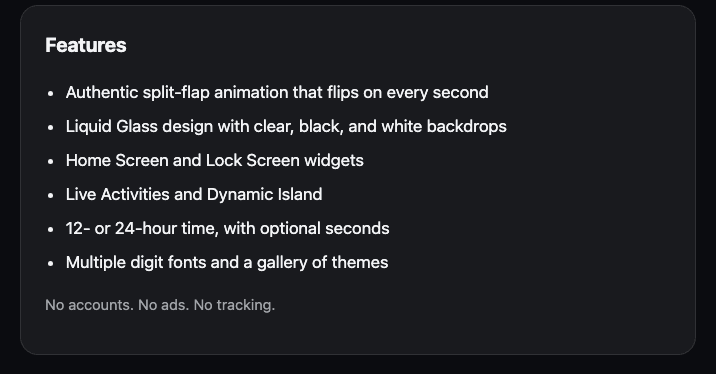
Retrotick is the mechanical flip of a classic station clock, rebuilt for iPhone and iPad. Every digit is a split flap tile driven by a custom animation engine with a flip-target queue, so flaps land exactly on their target instead of drifting when updates stack up.
It is built in SwiftUI for iPadOS 26 and up using Apple's Liquid Glass design language. The mini split flap display on this site's homepage is the same mechanic, restated on the web.
Built into the platform
Live Activities
Live Activities with Dynamic Island support keep the clock visible outside the app.
Widgets
Home Screen widgets share state with the app through an App Group.
Themes
12 purchasable themes through StoreKit 2: 10 non-consumable purchases plus a Retrotick Plus subscription.
How it ships
The app, widget, and shared targets are covered by unit and UI test suites in CI, and the Xcode Cloud release workflow refuses to ship a build unless the changelog changed.
Stack
- Swift
- SwiftUI
- StoreKit 2
- WidgetKit
- ActivityKit
- XcodeGen
- Xcode Cloud
- XCTest